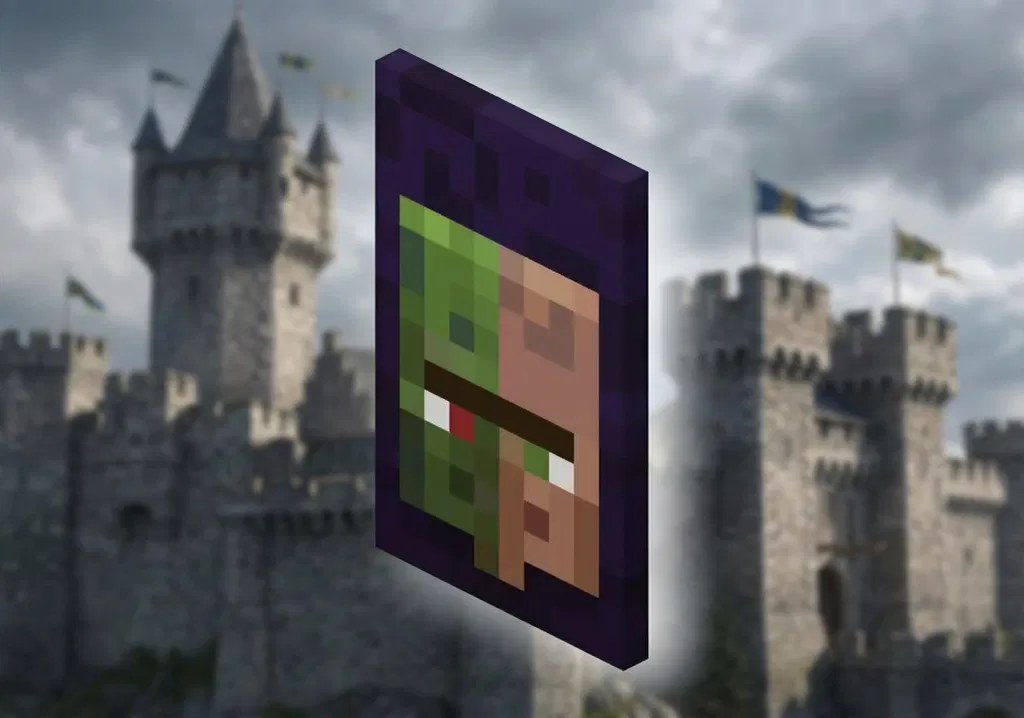
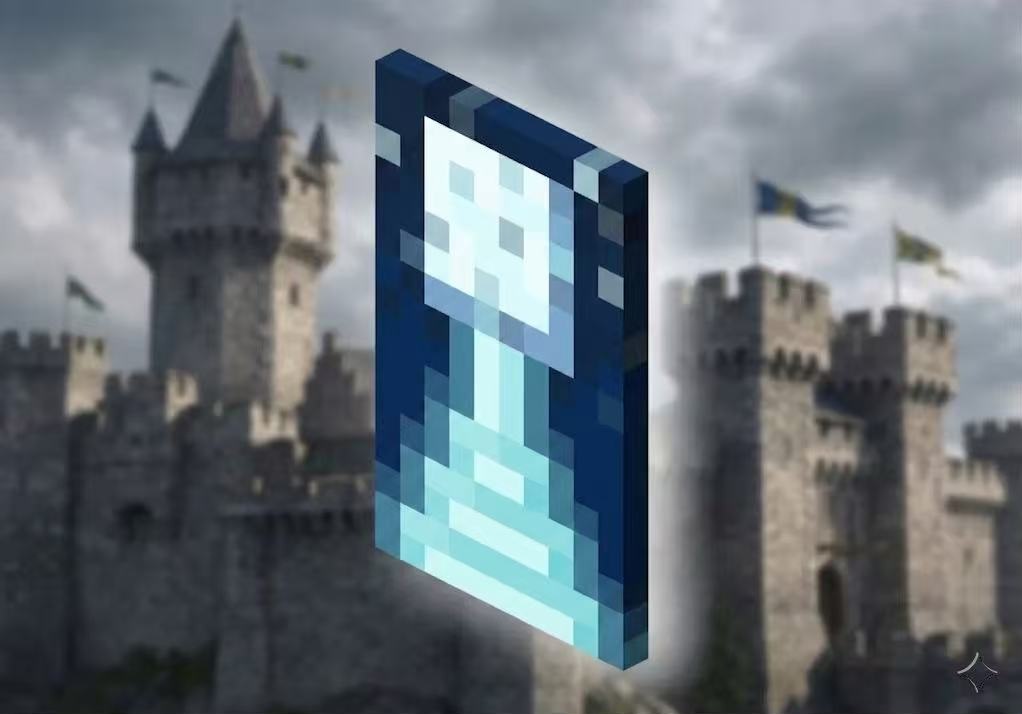
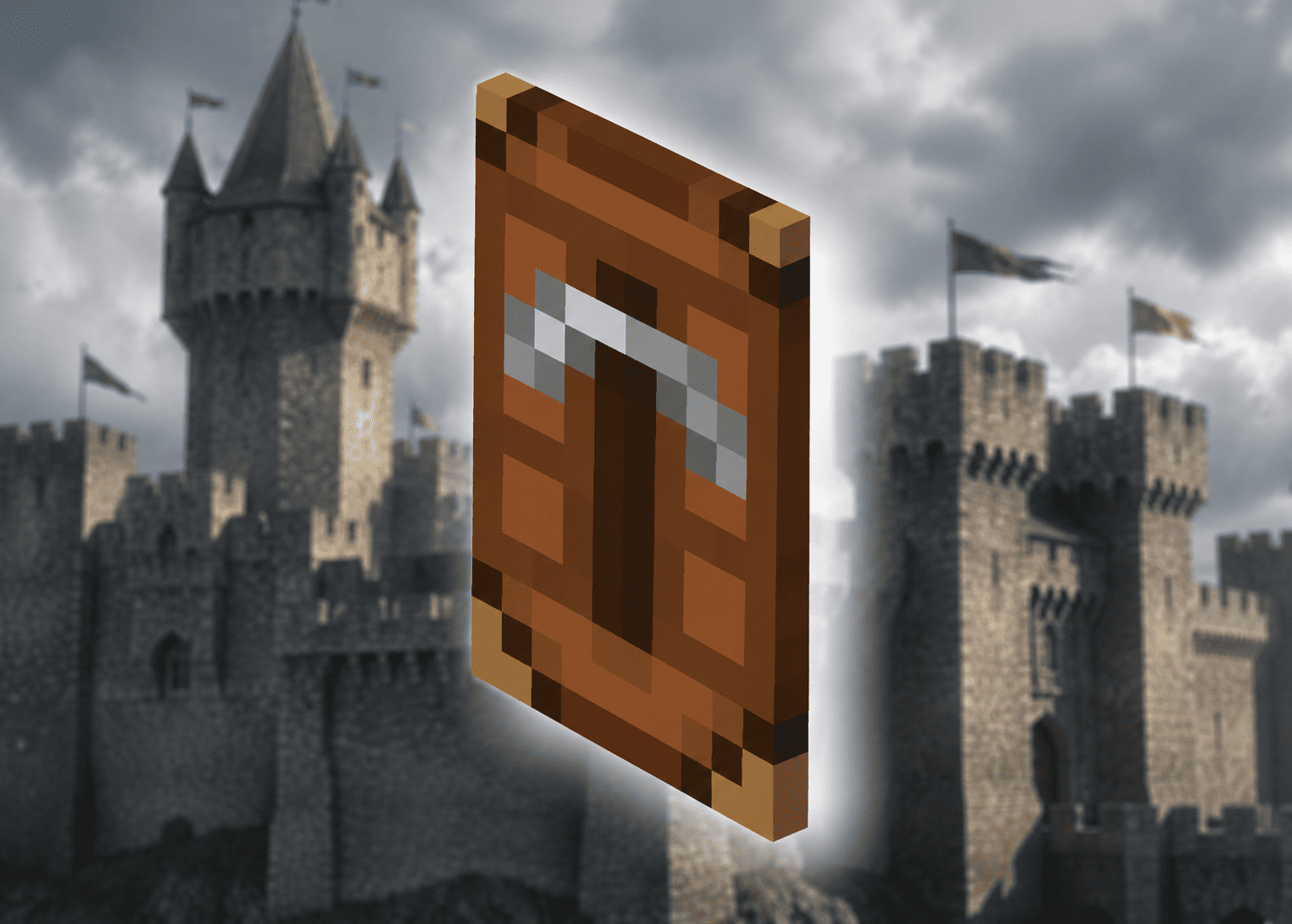
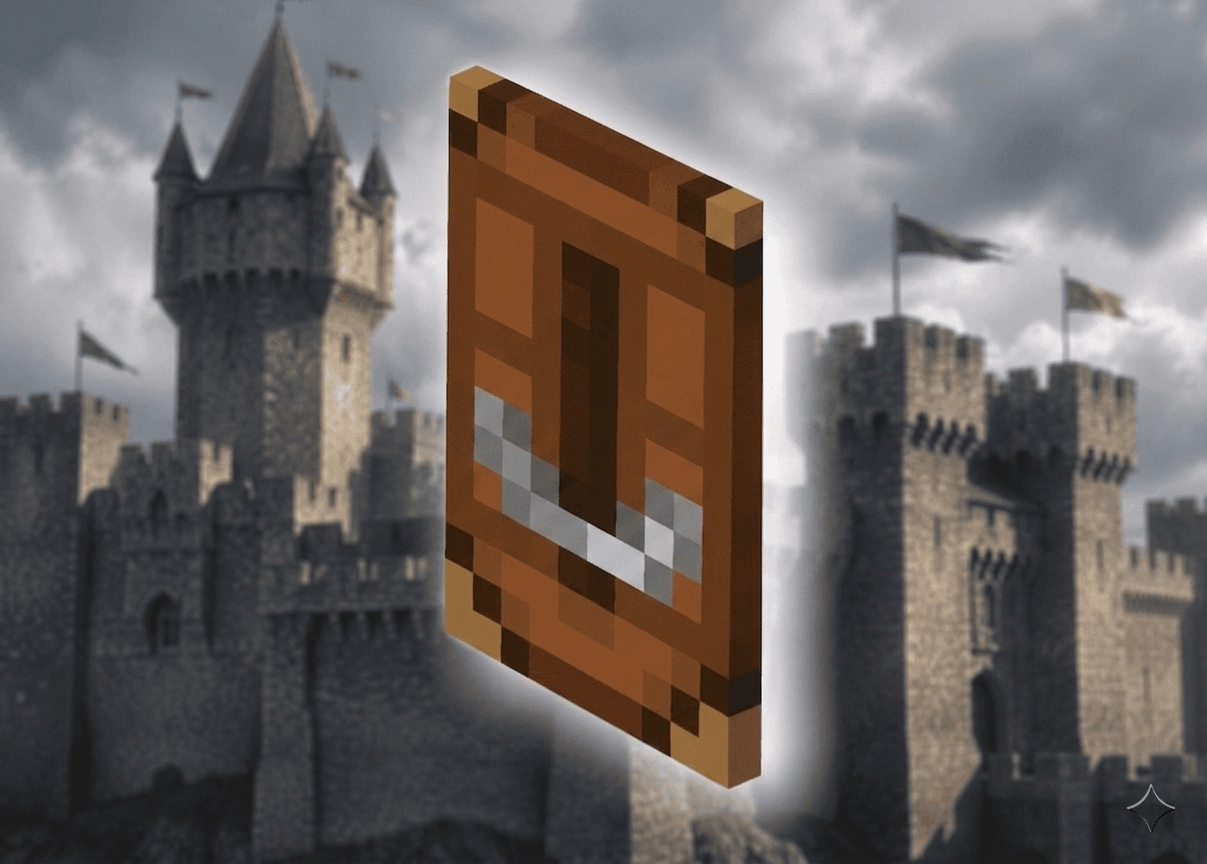
Open Minecraft Bedrock Edition Go to your Character Creator Find and equip your new cape.
3Activate It In-Game
Open any world and play for a few minutes. This helps sync your account with Minecraft servers.
4Final Step — Wait & Apply
Wait about 10 minutes, then go to: minecraft.net/editskin Your cape should now appear in your skins tab!
In most cases, the cape appears within ~10 minutes. In rare cases it may take up to ~2 hours due to Minecraft server sync delays. If it still doesn't appear after 2 hours, contact our support.
How fast is delivery?
In-stock capes are delivered within 5 minutes of successful payment. You'll receive your cape code via email and on the order page instantly.
Are these capes legitimate?
Yes. All capes are genuine, redeemable codes obtained through official Minecraft channels and partnerships. They permanently link to your Minecraft account.
What payment methods do you accept?
We accept Visa, Mastercard, Amex, Discover via Stripe, plus Apple Pay, Google Pay, Alipay, WeChat Pay, Amazon Pay, and Klarna. PayPal coming soon.
Can I get a refund?
Yes—if the code doesn't work or doesn't deliver, we offer 100% refunds. See our Refund Policy for full details.
Do I need a Java or Bedrock account?
Most capes work on both Java and Bedrock editions when linked through your Microsoft account. Check individual product pages for specific platform notes.